Photo tips for a better tiny desk ai video
Last updated:
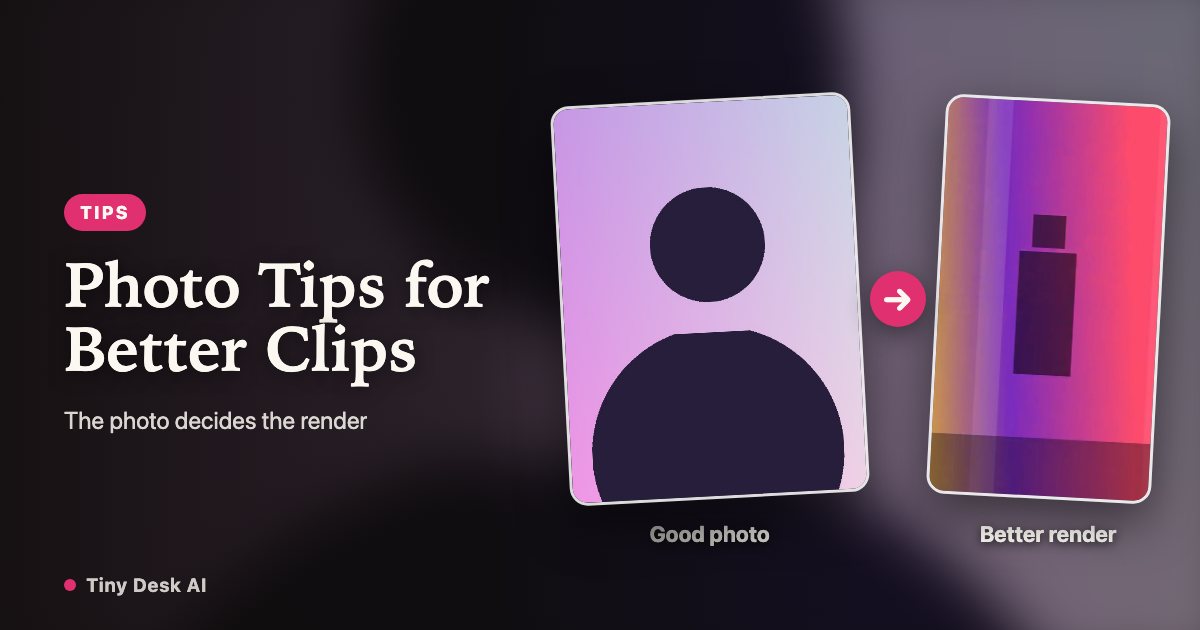
The biggest difference between a tiny desk ai clip that fools your group chat and one that gets quietly scrolled past is not the generator — it is the photo you feed it. Here is exactly what the model needs, the uploads that get turned away, and what to do when a render disappoints.
The photo that works
One person, facing the camera, evenly lit, head and shoulders clearly visible — that is the whole spec. A recent phone selfie taken facing a window beats a moody professional portrait, because the model rebuilds the face it can see, not the one it has to infer. A neutral or lightly smiling expression works well; the clip supplies the performance.
Keep the file practical: JPG, PNG or WebP, up to 10 MB. And crop generously enough that the whole head sits in frame with a little room above it — a face that is half out of shot gives the model half a face to work with.
The photos that ruin renders
Group photos are the classic mistake: the model has to guess which face is the subject, and it sometimes guesses wrong. Sunglasses and masks hide the exact features the render depends on. Heavy beauty filters smooth the face into someone slightly else, which reads as "looks a bit off" in the finished clip — the most common complaint, and the most avoidable.
Also worth skipping: extreme camera angles, faces in deep shadow, tiny faces in wide shots, and illustrations or cartoon avatars. If you would not recognize the person instantly from the photo, the render will not either.
One habit helps more than any other: take the photo for this, rather than picking from your camera roll. Prop the phone at eye level, face a window, tap to focus on your face, and take a few frames with a slight smile. Half a minute of setup routinely beats the best photo you already have, because camera-roll photos were taken for other purposes.
When a photo gets rejected
Some uploads are turned away before rendering starts. Tiny Desk AI runs an automated content-safety check on photos, and the consent rules are firm: the photo must be of you, or of an adult who has given you permission. Photos of minors are not accepted, and neither are celebrities or public figures — a parody trend is not a likeness license.
A rejected photo never reaches the render, so no credits are charged; pick a different photo and continue. If your photo keeps getting rejected and you believe that is a mistake, contact support and we will take a look.
If a render fails or disappoints
A failed render refunds its credits to your balance automatically — no ticket, no waiting. You can retry immediately, and a second attempt with the same photo usually tells you whether the problem was a busy queue moment or the photo itself.
If the video finishes but is clearly broken — a corrupted file or a missing face — contact support with the video ID and we will restore the credits after review. And if the render succeeds but the face is not quite you, that is the photo talking: a sharper, more frontal, better-lit shot is the cheapest fix there is.
Set expectations, then enjoy it
AI output can contain small mistakes, and a likeness is a strong impression rather than a forgery — review the clip before you share it, and post it labeled as AI-generated. Treat the first render as a test: the shortest length exists precisely so you can learn which photo of you performs best before spending credits on the full 18-second performance.
Your band is one upload away
Put my crew in the band